
Have you ever wondered why two 1TB SSDs have such different prices? At first glance, they look identical: the same box, the same connector, and the promise of high speed. However, the secret (and the danger) is hidden in four tiny letters: SLC, MLC, TLC, and QLC.
In this article, we will unravel the engineering behind flash storage and teach you how not to fall into the “cheap is expensive” trap.
1. The Anatomy of the SSD: Understanding NAND Cells

An SSD is like a large condominium of electrical cells. How data is “squeezed” into these cells defines how long the device will last.
- SLC (Single-Level Cell): Writes only 1 bit per cell. It is the elite of storage: ultra-fast and almost indestructible (10,000 write cycles). Today, it is exclusive to high-performance servers.
- MLC (Multi-Level Cell): 2 bits per cell. Offers an excellent balance between durability and cost.
- TLC (Triple-Level Cell): 3 bits per cell. It is the market standard for users seeking quality. Drives like the Samsung Evo or Western Digital Blue lines use this technology.
- QLC (Quad-Level Cell): 4 bits per cell. Here the cost drops, but the complexity increases. To read the data, the controller needs to measure 16 different voltage levels in a microscopic cell.
Expert Note: Although there are arguments pointing to QLC as the “villain”, some industry experts argue that, for the basic home user who only surfs the internet, immediate catastrophic failure is not an absolute consensus. Modern error correction (ECC) technologies have helped to mitigate some of these risks in light usage scenarios.
2. The Illusion of Speed: SLC Cache and the “DRAM-less” Danger
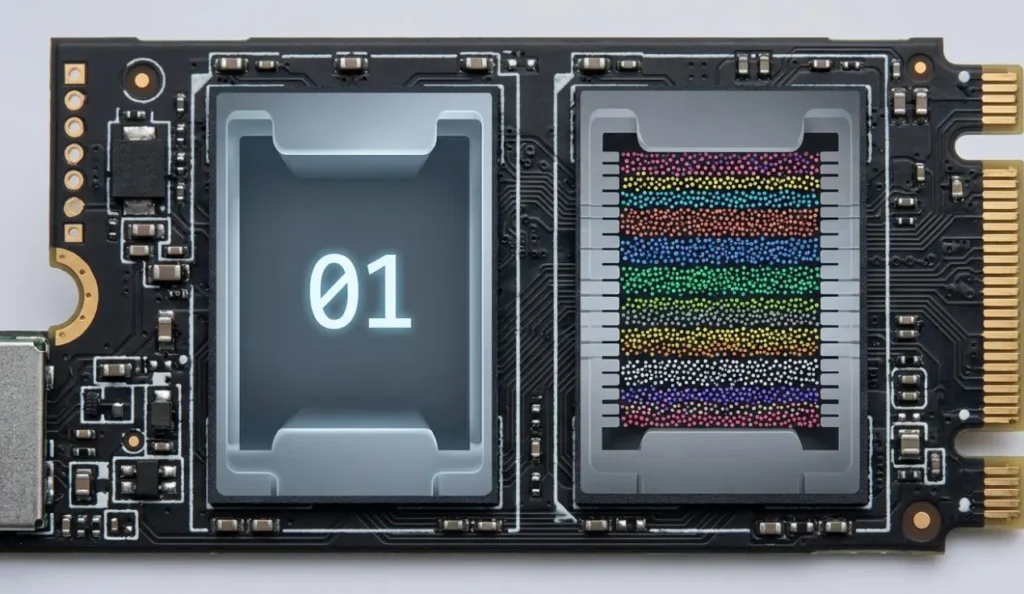
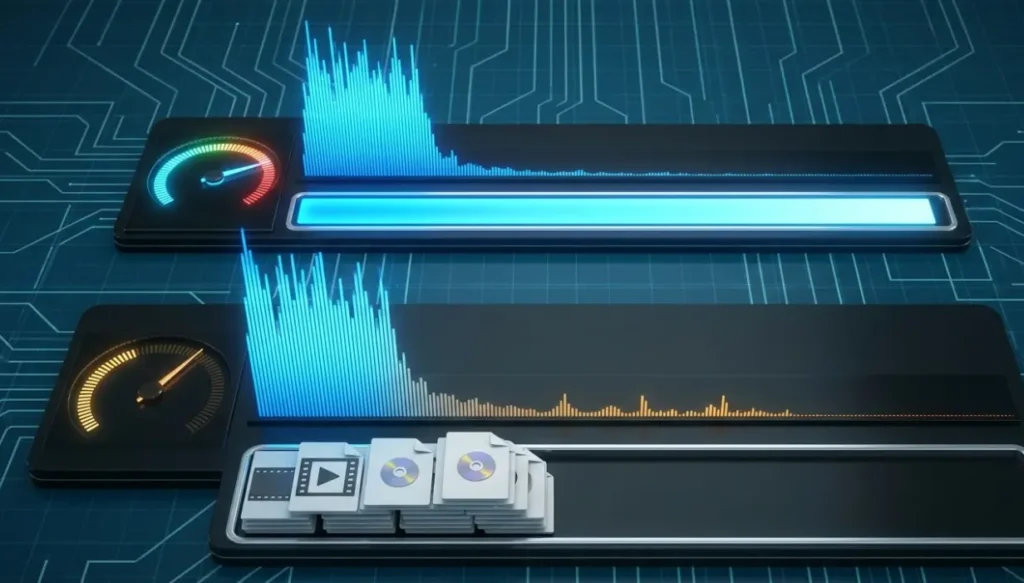
Many cheap SSDs use marketing tricks to look fast in benchmark tests:
- SLC Cache: The drive pretends to be an SLC while you transfer small files. However, when moving large files (like videos or backups), the “mask falls off” and the speed can plummet to the levels of an old mechanical HDD.
- DRAM-less: To reduce costs, they remove the internal RAM (DRAM) from the SSD. Without this “librarian’s desk” to organize the indexes, your system may suffer small stutters and sluggishness when opening folders, even on powerful computers.
3. Durability: What is TBW?
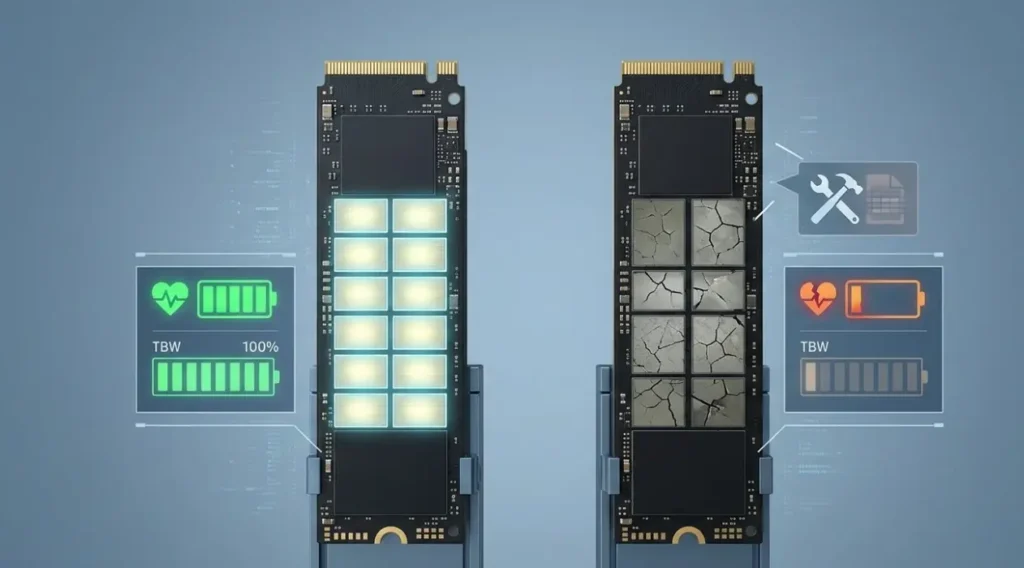
The TBW (Total Bytes Written) indicates how much data you can write to the SSD before the cells start to die physically.
- A 1TB TLC SSD usually handles about 600 TBW.
- An equivalent QLC SSD handles only 200 TBW.
In other words, you save 20% on the price, but you get a product with 1/3 of the lifespan.
4. How to Diagnose your SSD Health right now
Do not wait for your system to stop to take action. Use these professional tools:
On Windows: CrystalDiskInfo
Download CrystalDiskInfo (free). It will show a health percentage. If it is below 90% after a short period of use, be alert.
On Linux: Smartmontools
Open the terminal and use the following commands:
sudo apt install smartmontools

lsblk

sudo smartctl -x /dev/sda
Pay attention to the “Percentage Used” field. If the value is high, the SSD is nearing the end of its useful life.
Conclusion: Which SSD to buy?
The technical recommendation for a solid infrastructure is clear:
- For the Operating System and Work: Always use a TLC SSD with DRAM. The stability and durability make up for the extra investment.
- For Secondary Storage (Games and Movies): A QLC SSD can be a viable option, as long as you know it is not the ideal place for critical data that undergoes many changes.
Did you like this technical analysis? Share it with someone who is thinking about building a new PC!
Reference sources:
https://www.kingston.com/br/blog/pc-performance/difference-between-slc-mlc-tlc-3d-nand
https://www.infortrend.com.br/post/dwpd-ou-drive-writes-per-day
